
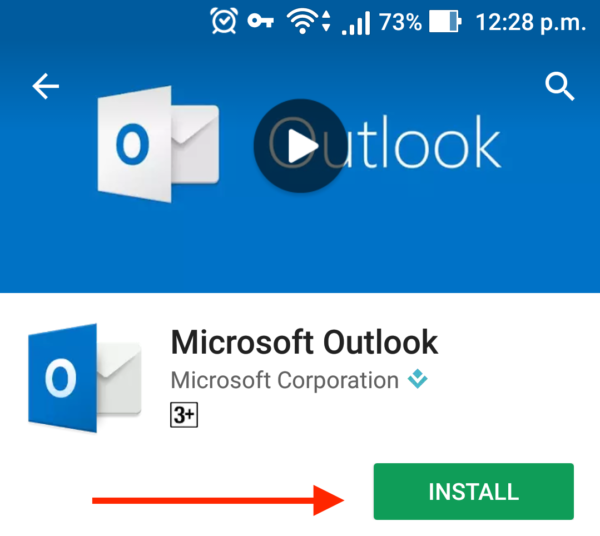
Step 1: Download Outlook for on Google Play
Step 2: Launch Outlook
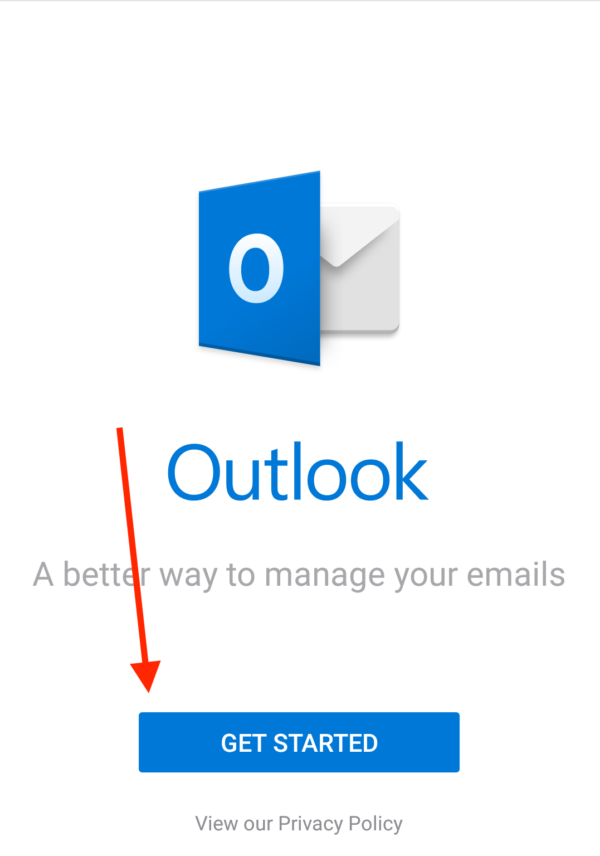
Step 3: Click Get Started
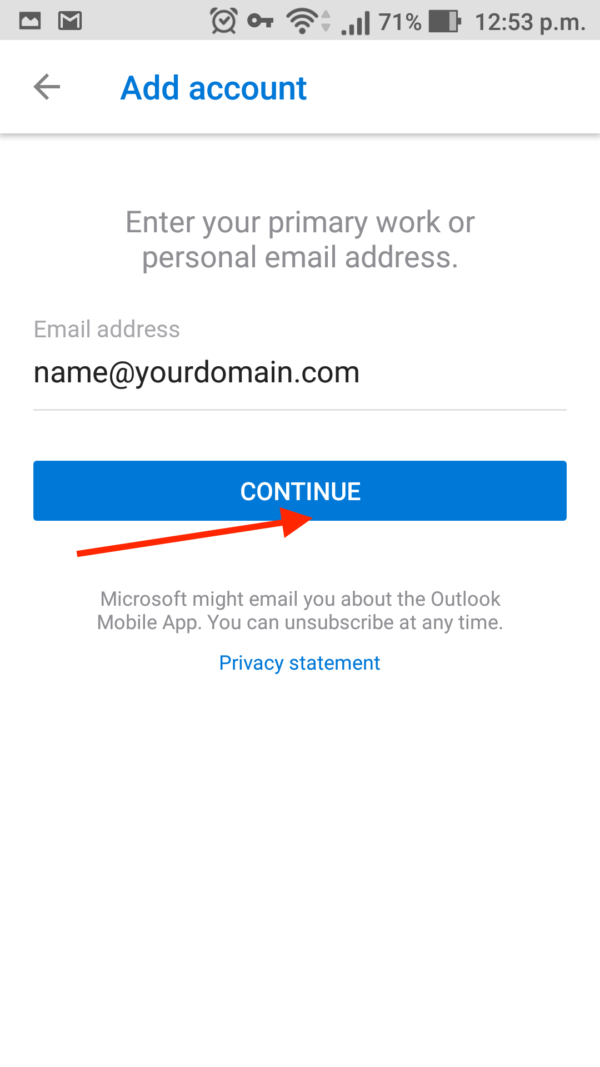
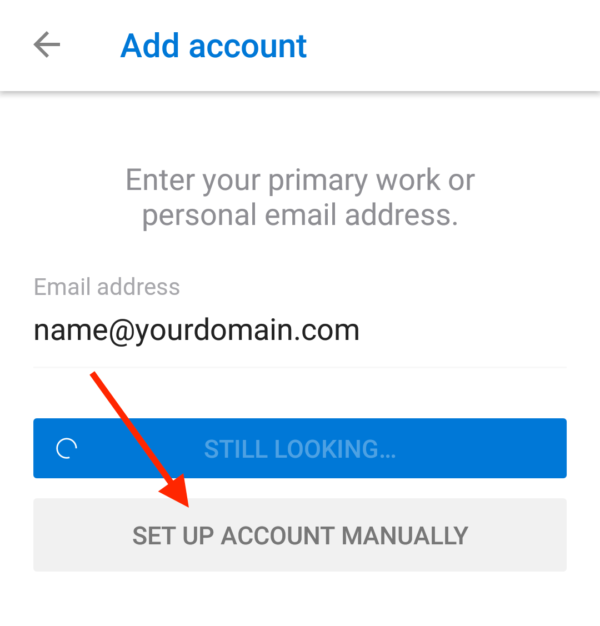
Step 4: Type in your Webmail Username
Replace name and yourdomain with your ACTUAL webmail username and domain name
Wait for a few moments as it Looking up Account

Step 5: Click Setup Manually
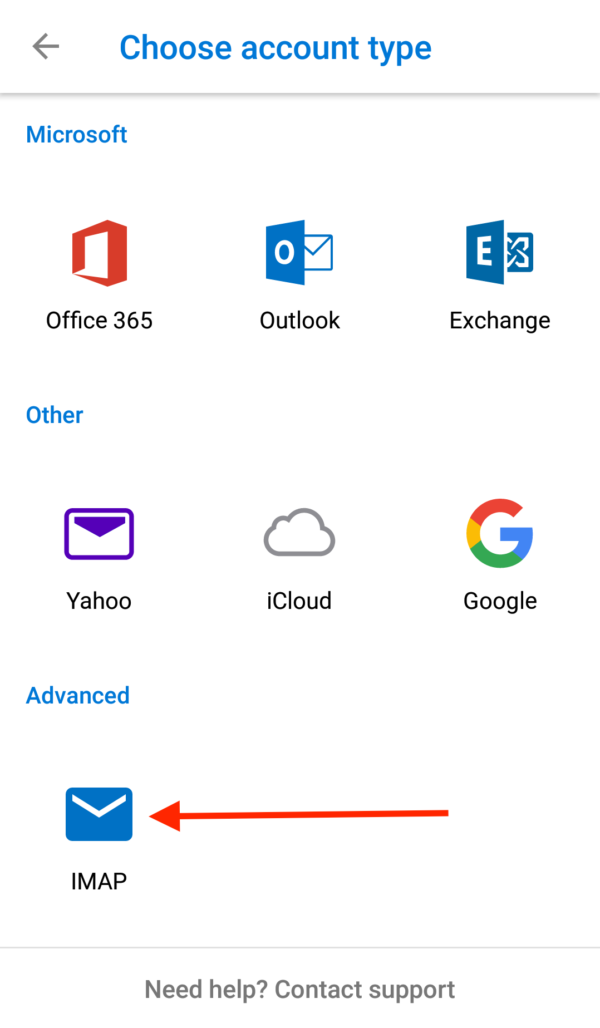
Step 6: Click IMAP
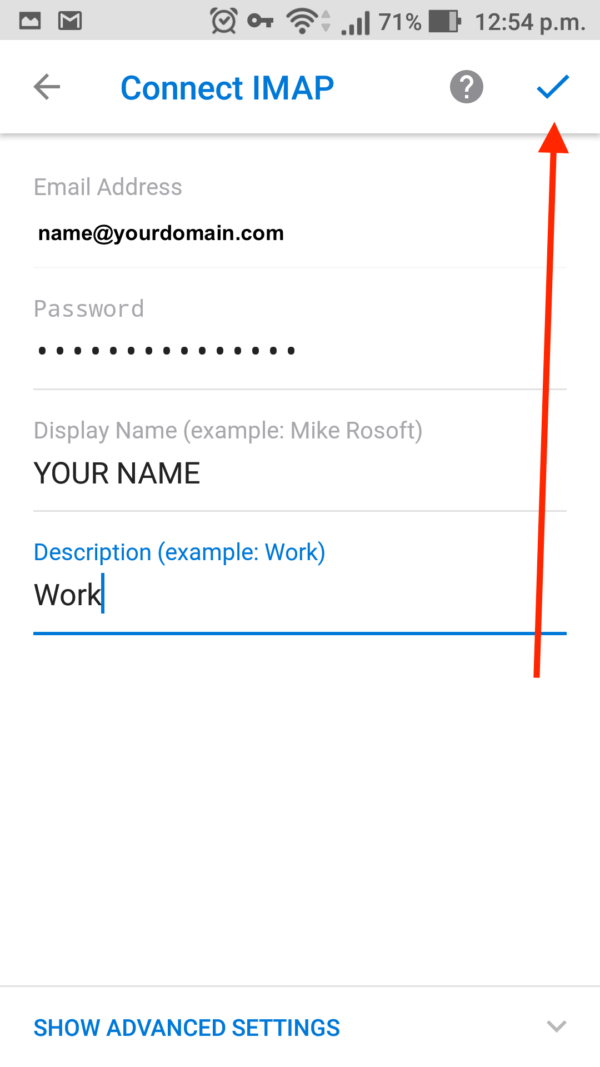
Step 7: Fill in your details as below and click Sign in
Step 8: Click Maybe Later
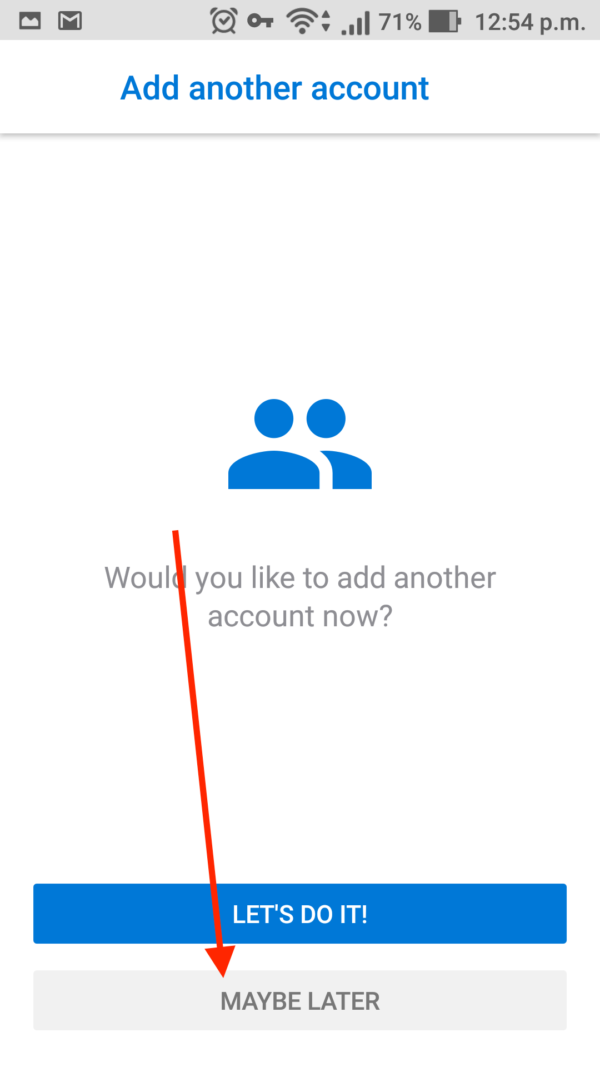
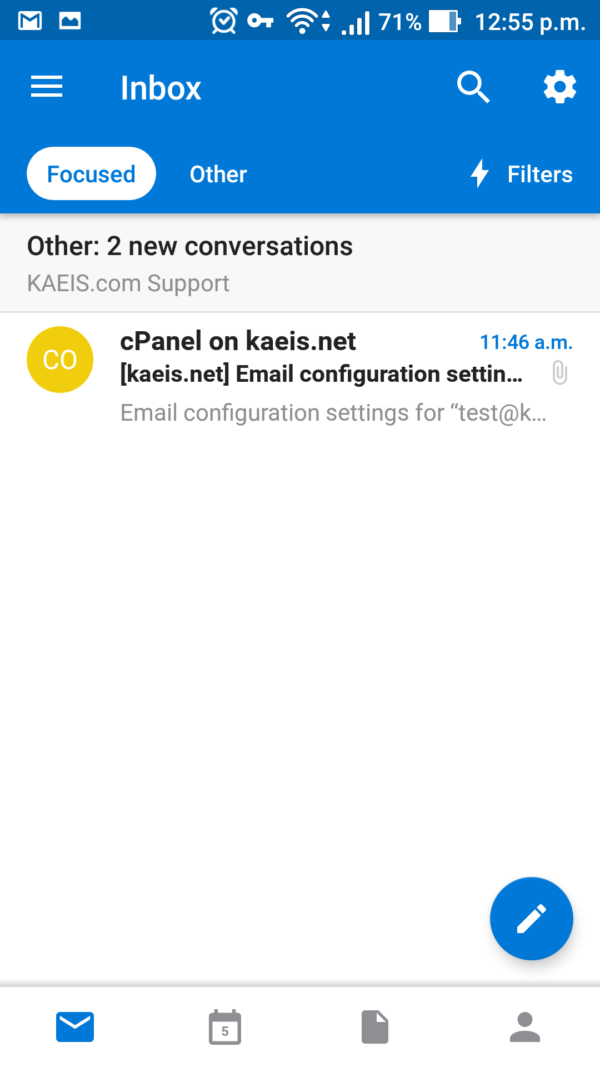
Step 9: Thats it, you’re done! You can send and receive webmail on Outlook for Android
Leave A Comment?