
Already have a webmail account set-up but need to modify the mail port or server?
Step 1: Open Outlook > File
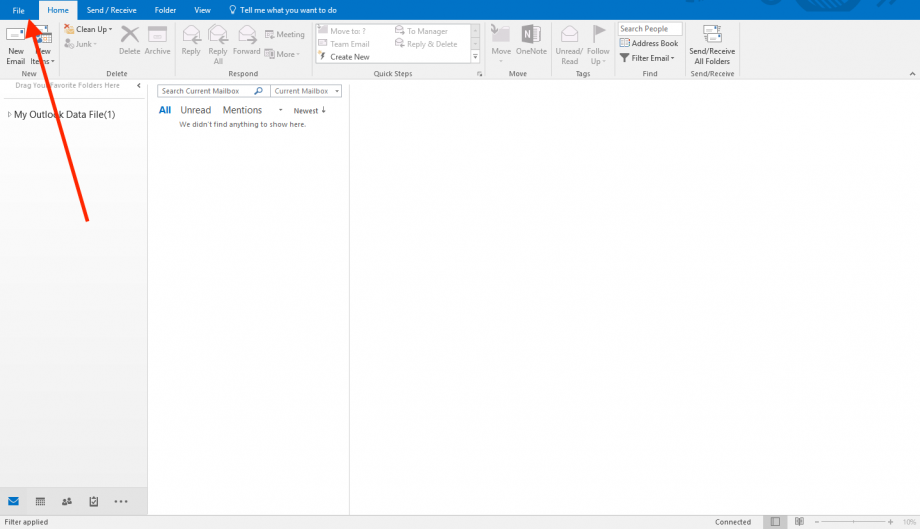
Step 2: Select the Email Account to Modify in the dropdown > Click Account Settings

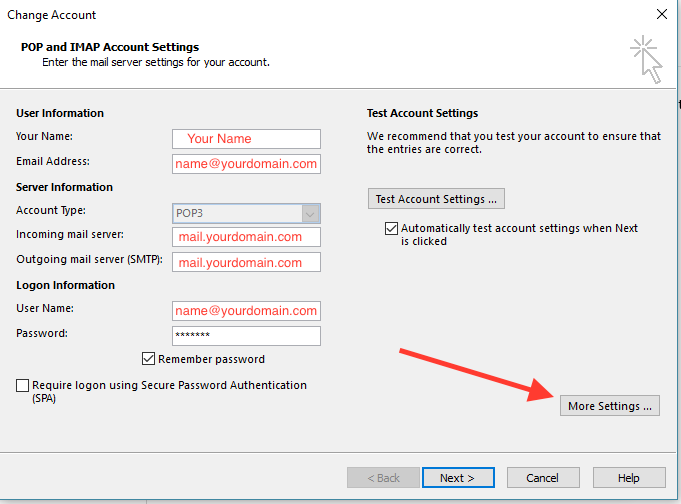
Step 3: Click Change

Step 4: Click More Settings
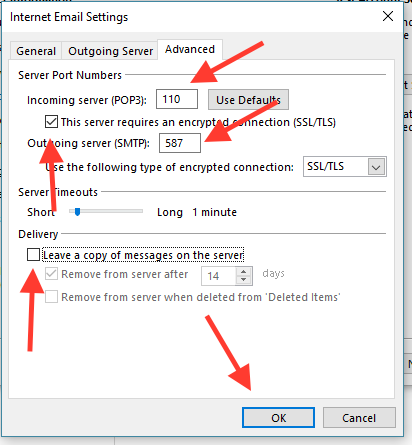
Step 4: Modify the Port Settings According to the Image Below > Click OK
Step 5: Click Next
Outlook will try to connect to the webmail server and try to send a message. If it is all green. Congrats, you are complete!

Leave A Comment?